
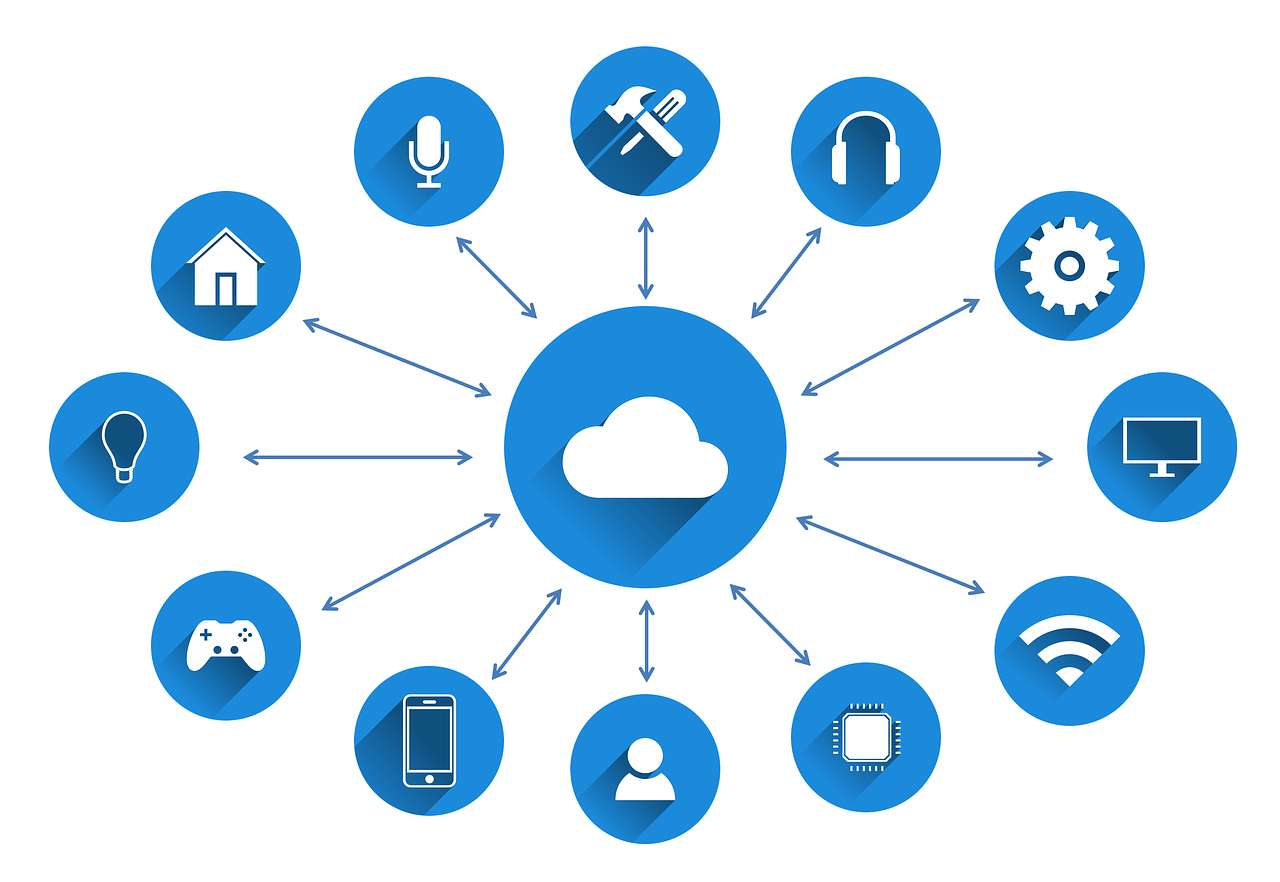
Are you ready to elevate your lifestyle with smart home technology? The right automation routines can transform your living space into a haven of comfort, convenience, and efficiency. From managing your lighting to optimizing climate control, these smart home routines will enhance your daily life and help you save time and energy.
In this list, we’ll explore the top 10 smart home automation routines that you can implement today. Whether you’re a tech newbie or a seasoned pro, this guide will help you achieve ultimate comfort in your home!
1. Morning Wake-Up Routine – Best For Energizing Your Day
Start your day off right with a well-crafted morning routine. This automation will simulate a natural sunrise, gradually brightening your bedroom lights while starting your favorite morning playlist.
Key Features:
- Gradual lighting increase
- Customizable music selection
- Smart coffee maker integration
Pros:
- Helps you wake up naturally
- Enhances mood and productivity
- Convenient coffee brewing
Cons:
- Requires compatible smart devices
- Set-up time needed
- May not work for heavy sleepers
2. Home Security Routine – Best For Peace of Mind
Ensure your home’s safety with an automated security routine that includes locking doors, turning on outdoor lights, and activating security cameras.
Key Features:
- Automatic door locking
- Outdoor lighting control
- Alerts for suspicious activity
Pros:
- Improves home security
- Convenient for leaving home
- Peace of mind while away
Cons:
- May require subscription services
- Can be complex to integrate
- Possible false alarms
3. Movie Night Mode – Best For Cozy Evenings
Transform your living room into a cinematic experience with this automation. Dim the lights, close the shades, and set the TV to your favorite streaming service with just one command.
Key Features:
- Dim lights to preset levels
- Automated shade control
- Smart TV integration
Pros:
- Sets the mood perfectly
- Convenience with one command
- Enhances family bonding time
Cons:
- Requires multiple compatible devices
- Set-up can take time
- Potential for technical issues
4. Energy-Efficient Cooling Routine – Best For Lowering Bills
This automation keeps your home comfortable while saving energy by automatically adjusting the thermostat based on your preferences and outdoor weather conditions.
Key Features:
- Smart thermostat integration
- Temperature adjustments based on occupancy
- Weather-based climate control
Pros:
- Lowers energy bills
- Keeps home at optimal temperature
- Reduces environmental impact
Cons:
- Initial cost of smart thermostat
- Requires Wi-Fi connection
- May take time to learn preferences
5. Good Night Routine – Best For Restful Sleep
Optimize your sleep environment with an automation routine that dims the lights, turns off electronics, and adjusts the thermostat to your preferred sleeping temperature.
Key Features:
- Dim lighting control
- Power down electronics
- Nighttime temperature adjustment
Pros:
- Promotes better sleep quality
- Convenient end-of-day automation
- Helps create a relaxing environment
Cons:
- Potential technology reliance
- Needs routine consistency
- May require tweaking over time
6. Kitchen Helper Routine – Best For Cooking Convenience
Turn your kitchen into a smart space where you can automate lighting, control smart appliances, and even get recipe suggestions as you cook.
Key Features:
- Smart appliance control
- Voice-activated recipe assistance
- Lighting based on cooking activities
Pros:
- Simplifies meal preparation
- Enhances cooking efficiency
- Fun and interactive experience
Cons:
- Compatibility issues with appliances
- Time-consuming set-up
- Learning curve for tech novices
7. Vacation Mode – Best For Away From Home
Set your home to “vacation mode,” which simulates your presence with controlled lighting and blinds while you’re away, keeping your home secure.
Key Features:
- Randomized lighting schedule
- Blinds closing and opening
- Alerts for emergency situations
Pros:
- Deters burglars
- Peace of mind while traveling
- Convenient remote access
Cons:
- Requires reliable internet connection
- May need extended setup time
- Increased power consumption
8. Workout Motivation Routine – Best For Staying Active
Add a dose of motivation to your fitness routine by automating the lighting and music in your workout space, giving you the push you need to stay active!
Key Features:
- Smart lighting adjustments
- Multi-room audio setup
- Adjustable temperature control
Pros:
- Creates an energizing environment
- Easy access to entertainment
- Encourages consistency
Cons:
- Requires multiple smart devices
- May distract from workout intensity
- Set-up requires effort
9. Automatic Pet Care Routine – Best For Pet Owners
Make caring for your pets easier with routine automation that includes feeding, playing music for them, and even controlling pet-friendly lighting.
Key Features:
- Automatic pet feeder integration
- Smart toys and entertainment
- Temperature control for pet comfort
Pros:
- Peace of mind for pet owners
- Convenient feeding schedule
- Minimizes pet anxiety
Cons:
- Dependent on technology
- Needs compatible pet devices
- Increased costs for smart products
10. Weekend Relaxation Mode – Best For Leisure Evenings
Unwind after a long week with a smart home automation routine that dims the lights, sets soothing sounds, and adjusts the temperature for a cozy atmosphere.
Key Features:
- Relaxing light dimming
- Sound machine integration
- Optimal temperature settings
Pros:
- Enhances relaxation time
- Convenience at your fingertips
- Perfect for self-care routines
Cons:
- Initial setup may be lengthy
- Potential for tech problems
- This routine may require some tweaking
How to Choose the Right Automation Routines
When selecting smart home automation routines, consider your lifestyle, the compatibility of devices you own, and your specific needs. Start with a couple of routines that will offer the most convenience or comfort and gradually add more as you become comfortable with technology integration in your home. Don’t forget to consult user reviews and tutorials for a smooth setup!
#SmartHome #HomeAutomation #ComfortLiving #SmartLiving #TechSavvy #HomeTech #HomeImprovement #SmartHomeRoutine