
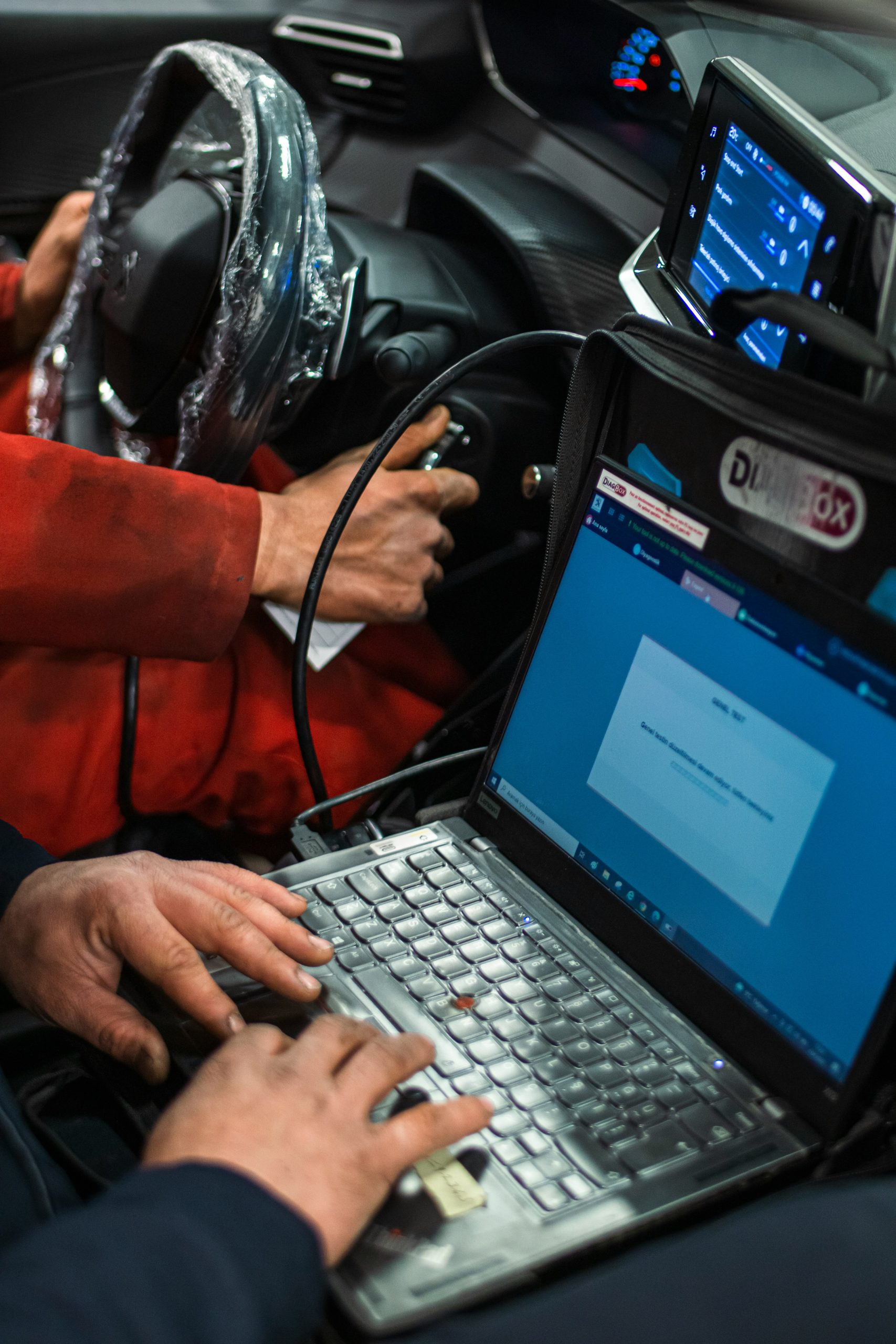
Are you tired of spending hours in the mechanic’s waiting room just to understand what that check engine light means? A car diagnostic code reader can save you time and money by providing quick and accurate insights into your vehicle’s issues. Whether you’re a DIY enthusiast or just want to avoid expensive repair bills, these top diagnostic tools will empower you to take control of your car’s health!
This list compiles the best car diagnostic code readers currently available, ensuring you find the perfect match for your needs and budget. Let’s dive into the top 5 options that promise reliable readings and peace of mind.
1. BlueDriver Bluetooth Pro OBD2 Scan Tool – Best For Wireless Connectivity
The BlueDriver is a game-changer with its wireless capabilities and comprehensive vehicle diagnostics. Users rave about its ability to connect to smartphones, making reading codes and troubleshooting easier than ever.
Key Features:
- Bluetooth connectivity for easy use with mobile devices.
- Extensive database for over 30 different vehicle makes and models.
- Real-time data monitoring for live performance tracking.
Pros:
- Easy to use interface via smartphone app.
- Detailed repair reports provided.
- Regular updates for the software without extra costs.
Cons:
- Requires a smartphone for operation.
- The app can occasionally be slow to load.
2. FIXD OBD2 Scanner – Best For Beginners
Perfect for those just getting started with car diagnostics, the FIXD scanner simplifies everything from code reading to providing detailed vehicle health reports. Its user-friendly interface ensures even novice users can grasp car issues in no time.
Key Features:
- Real-time vehicle health updates and trouble code descriptions.
- Compatible with both Android and iOS devices.
- Offers manufacturer technical service bulletins (TSBs).
Pros:
- Great for non-professionals.
- Affordable pricing for essential features.
- Supports a wide range of vehicles.
Cons:
- Limited advanced diagnostic features.
- May not work with older vehicle models.
3. ANCEL AD310 Classic Engine Fault Scanner – Best For Budget
The ANCEL AD310 is a robust tool that stands out for its affordability while still delivering reliable diagnostics. It’s a great choice for anyone on a budget who still wants to get accurate readings of their car’s performance.
Key Features:
- User-friendly interface with an easy-to-read LCD display.
- Quickly retrieves error codes and definitions.
- Compact and lightweight for easy storage.
Pros:
- Excellent price-to-performance ratio.
- No batteries required, powered through the OBD-II port.
- Very portable and durable design.
Cons:
- Limited functions compared to advanced models.
- Does not offer Bluetooth or wireless features.
4. Launch CR319 OBD2 Scanner – Best For Advanced Diagnostics
The Launch CR319 OBD2 scanner provides more advanced diagnostic capabilities, making it a top choice for experienced users who want in-depth vehicle data. Its wide-ranging features help diagnose even the most stubborn car problems.
Key Features:
- Full OBD-II functionality for comprehensive diagnostics.
- Graphing capability for monitoring real-time data.
- Maintains an internal battery for use without a vehicle.
Pros:
- Great for advanced users needing detailed information.
- Highly responsive with excellent performance.
- Robust design ensures longevity.
Cons:
- The learning curve may be steep for beginners.
- More expensive than basic models.
5. BAFX Products 34t5 OBD2 Scanner – Best For Windows Users
If you’re a Windows user, the BAFX Products 34t5 scanner is a reliable tool designed to provide excellent performance and functionality. Its compatibility with a variety of third-party apps offers increased versatility.
Key Features:
- Compatible with Android, Windows, and iOS devices.
- Windshield compatibility for various OBD-II interfaces.
- Easy setup process for hassle-free diagnostics.
Pros:
- Great value for the features offered.
- Developed for user-friendly operation.
- Flexibility in app selection for diagnostics.
Cons:
- Less suited for Apple users compared to Android.
- Requires separate software for full functionality.
How to Choose the Right Car Diagnostic Code Reader
When selecting a diagnostic code reader, consider these essential factors: your vehicle’s make and model, your specific diagnostic needs (like real-time data or simple code reading), and your budget. Additionally, the user interface should be easy to navigate, especially if you’re a beginner. Lastly, look for a reader that provides timely software updates for ongoing compatibility with new vehicles.
#CarDiagnostics #OBD2Scanner #CarRepair #VehicleHealth #DIYMechanic #AutomotiveTools #CheckEngineLight #CarMaintenance