
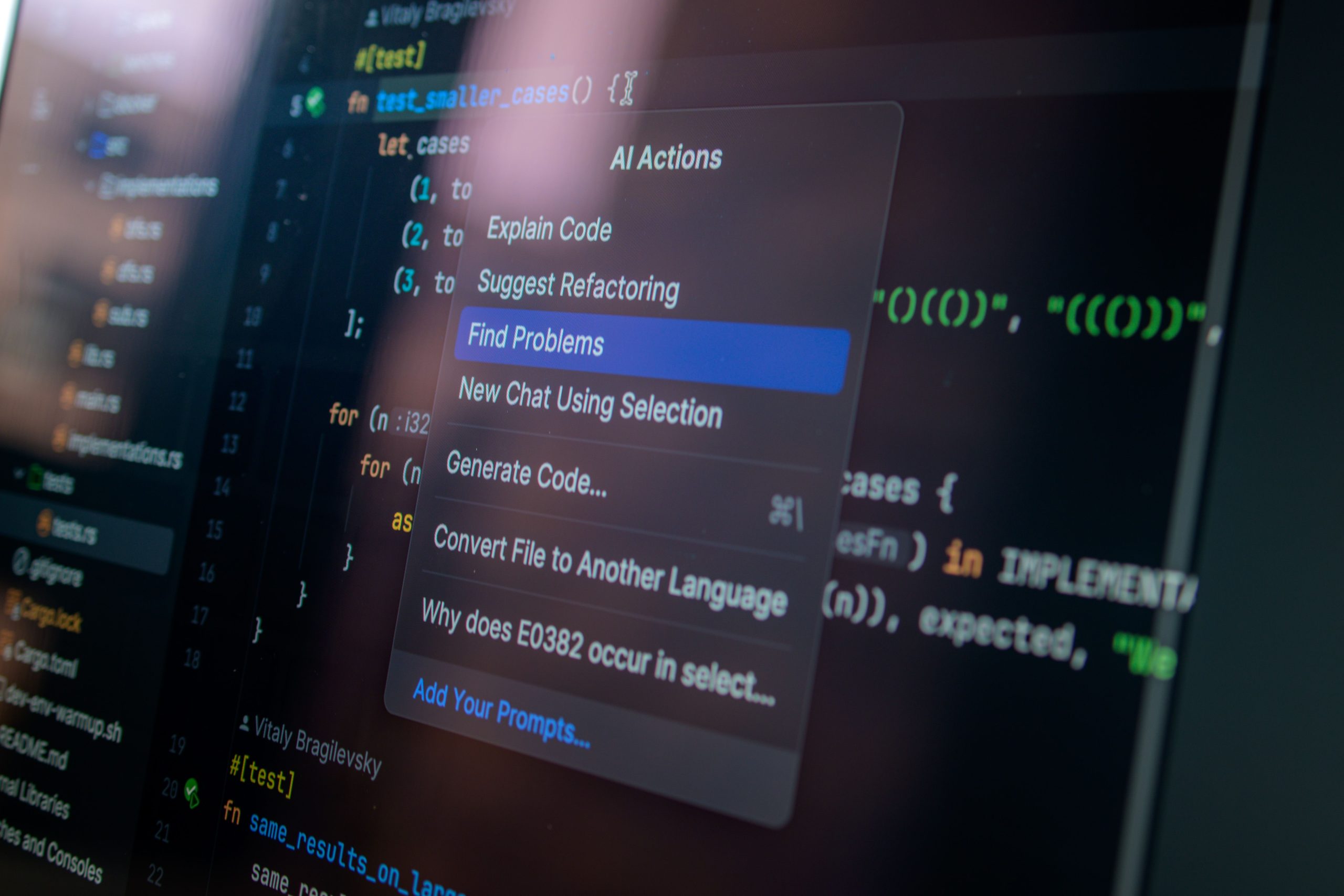
Looking to enhance your coding experience with real-time collaboration? You’ve come to the right place! Whether you’re a solo developer or part of a team, the right code editor can significantly improve your workflow and productivity. Here, we present the 8 best free code editors that offer real-time collaboration features, ensuring you can code together seamlessly.
From intuitive interfaces to robust functionality, these tools are designed to make coding more efficient while simplifying teamwork. Dive in to find the perfect editor for your collaborative projects!
1. Visual Studio Code – Best For Versatile Extensions
Visual Studio Code is a lightweight but powerful source code editor that comes packed with features. Its real-time collaboration can be enhanced using the Live Share extension, enabling developers to work jointly on projects from different locations.
Key Features:
- Rich ecosystem of extensions
- Integrated terminal
- Robust debugging support
Pros:
- Highly customizable
- Great performance
- Cross-platform support
Cons:
- Can be overwhelming for beginners
- Requires additional setup for collaboration
2. Atom – Best For Beginners
Atom is an open-source editor developed by GitHub. It features a built-in collaborative tool called Teletype that allows developers to share their workspace and collaborate in real-time effortlessly.
Key Features:
- User-friendly interface
- GitHub integration
- Package quality control
Pros:
- Highly customizable themes
- Free to use
- Strong community support
Cons:
- Can be slower than competitors
- Limited performance for large projects
3. CodePen – Best For Web Development
CodePen is primarily an online code editor that excels in front-end development. Its real-time preview feature, combined with collaborative capabilities, makes it perfect for designers and developers alike.
Key Features:
- Live preview of code changes
- Integrated asset hosting
- Collaboration features in Pro version
Pros:
- Easy to use for quick demos
- Strong community and resources
- Accessible from any browser
Cons:
- Pro version required for full collaboration
- Limited functionality for backend coding
4. Replit – Best For Instant Project Setup
Replit delivers a powerful online coding platform with real-time collaborative editing ideal for quick project setups. Its versatility and support for multiple programming languages make it a favorite among developers.
Key Features:
- Wide range of programming languages supported
- Instant project sharing
- Built-in deployment options
Pros:
- No installation required
- Great for coding education
- Built-in community features
Cons:
- Limited features in the free version
- Performance can vary based on complex projects
5. Glitch – Best For Creative Web Projects
Glitch is a friendly online platform that allows you to create, share, and remix web applications. Its easy-to-use interface and real-time collaboration features make it a great choice for teams working on creative projects.
Key Features:
- Instant deployment
- Live editing with teammates
- Built-in project templates
Pros:
- Innovative community features
- Great for prototyping
- Free tier with ample features
Cons:
- Limited for larger applications
- No offline support
6. CoderPad – Best For Technical Interviews
CoderPad is designed for coding interviews, enabling real-time collaboration between interviewer and candidate. Its straightforward interface promotes seamless communication and efficient coding.
Key Features:
- Supports dozens of programming languages
- Real-time syntax highlighting
- Live results to showcase code execution
Pros:
- Easy to conduct technical interviews
- Control over coding environment
- No installation required
Cons:
- Limited feature set for collaborative projects
- Not a full-fledged IDE experience
7. JSFiddle – Best For JavaScript Development
JSFiddle is a popular platform mainly focused on HTML, CSS, and JavaScript. It allows for real-time collaboration, making it suitable for developers looking to share tips or work on small projects together.
Key Features:
- Quickly create and share code snippets
- Version control for tracking changes
- Embedded widgets for collaboration
Pros:
- Ideal for rapid prototyping
- Integrated libraries
- Free to use
Cons:
- Limited back-end support
- Not suitable for larger projects
8. GitHub Codespaces – Best For GitHub Users
GitHub Codespaces provides a fully configured development environment housed in the cloud. This editor offers real-time collaboration tools, perfect for team-based projects directly from GitHub repositories.
Key Features:
- Integrated with GitHub repositories
- Supports official extensions
- Instantly accessible development environment
Pros:
- Deep GitHub integration
- Fast and efficient collaboration
- Customizable environments
Cons:
- Requires a GitHub account
- Cost associated with extensive usage
How to Choose the Right Code Editor for Collaboration
When selecting a code editor for real-time collaboration, consider factors like the programming languages you’ll be using, the size of your team, and any specific features that cater to your workflow. Assess whether you need an online platform or a downloadable application and ensure that the tool integrates well with your existing development processes. Try out a few to find the one that best fits your needs!
#CodeEditors #RealTimeCollaboration #CodingTools #WebDevelopment #Programming #TechTools #DeveloperLife