
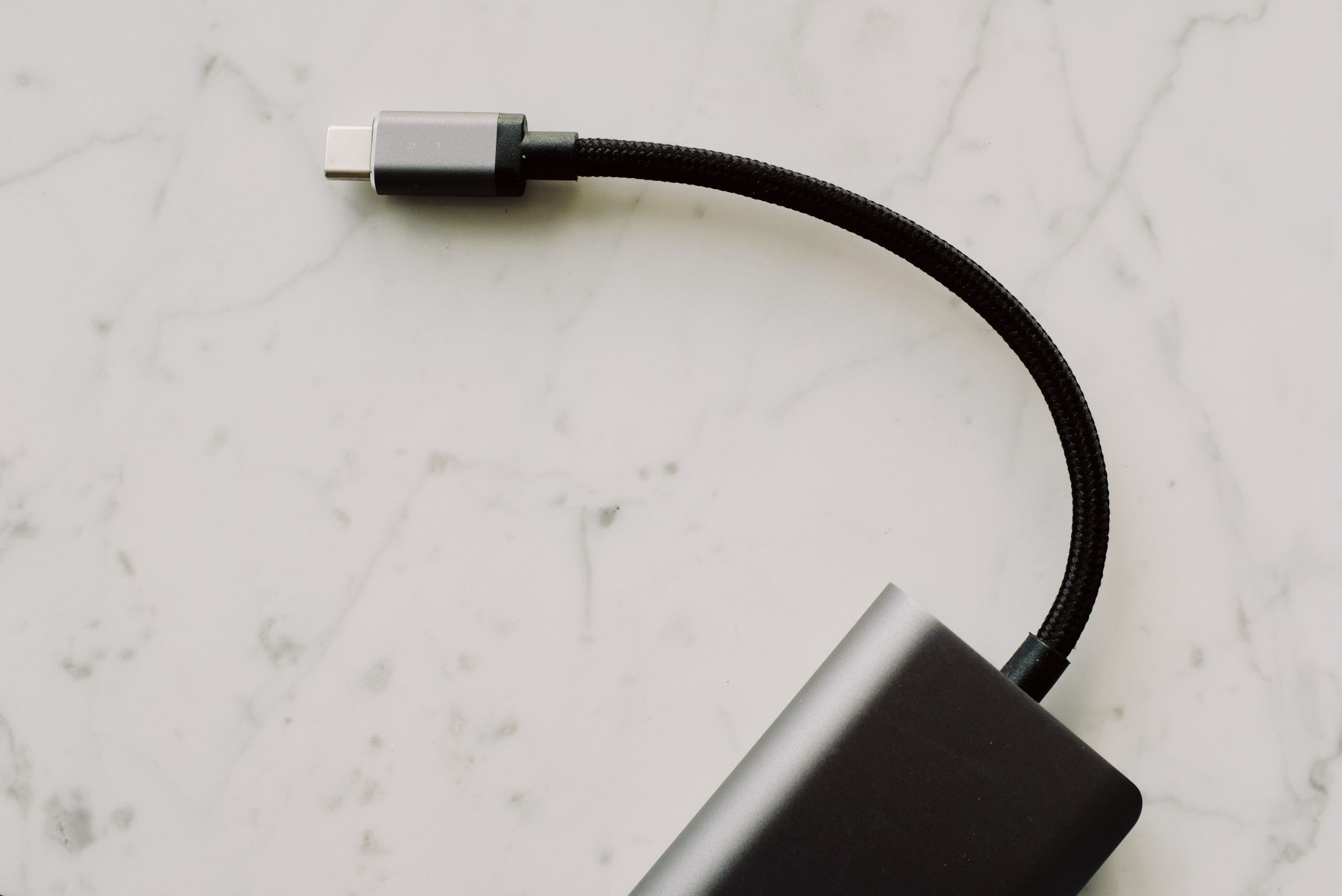
In today’s tech-driven world, having the right USB-C hub adapter is essential for seamless connectivity and efficient charging. Whether you’re working from home or on the go, the right hub can enhance your productivity by connecting multiple devices and ensuring your devices stay powered up.
This list will guide you through the top ten USB-C hub adapters that provide fast power delivery. Say goodbye to the hassle of low battery notifications and enjoy quicker data transfers and versatile compatibility!
1. Anker PowerExpand+ 7-in-1 USB-C Hub – Best For Versatility
The Anker PowerExpand+ is a multi-functional hub that combines numerous ports in a compact design. It’s a perfect all-in-one solution for professionals needing various connectivity options.
Key Features:
- 7 ports including HDMI, USB-A, and SD card reader.
- Supports 60W Power Delivery for charging devices.
- Compact and portable design for easy travel.
Pros:
- Affordable price point.
- Excellent build quality.
- Fast data transfer speeds up to 5Gbps.
Cons:
- Not compatible with all USB-C devices.
- Limited HDMI resolution support.
2. HyperDrive 6-in-1 USB-C Hub – Best For Travel
The HyperDrive 6-in-1 is designed for the modern traveler who requires multiple connections without adding extra weight to their bag. Its sleek design and robust performance make it a perfect travel companion.
Key Features:
- Includes 4K HDMI output, USB-C PD, and two USB-A ports.
- Durable aluminum casing.
- Designed for MacBook and other USB-C laptops.
Pros:
- High-speed data transfer and charging.
- Lightweight and easy to carry.
- Plug-and-play functionality.
Cons:
- Limited compatibility with Windows devices.
- Fewer ports compared to some competitors.
3. Sabrent 4-Port USB 3.0 Hub – Best For Affordability
If you’re looking for an affordable yet reliable hub, the Sabrent 4-port USB hub fits the bill. It offers excellent value while ensuring high-speed connectivity for various devices.
Key Features:
- 4 USB 3.0 ports for fast data transfer.
- Compatible with USB-C and USB-A devices.
- Compact, lightweight design.
Pros:
- Budget-friendly price.
- Easy to set up and use.
- Reliable performance over time.
Cons:
- No HDMI or Ethernet ports.
- Power delivery may be limited based on connection.
4. AUKEY USB C Hub – Best For Power Delivery
The AUKEY USB C Hub comes equipped with Power Delivery to rapidly charge your devices while providing multiple connection options. It’s a robust choice for users needing both high-speed and efficient charging.
Key Features:
- 3 USB 3.0 ports, 1 HDMI port, and an Ethernet port.
- Supports Power Delivery up to 100W.
- Compatible with a wide range of devices.
Pros:
- Fast charging and consistent performance.
- Supports dual monitor setups.
- Comprehensive connectivity options.
Cons:
- Bulky design compared to others.
- Higher price point.
5. VAVA USB C Hub 8-in-1 Adapter – Best For Multi-Monitor Setup
This hub features multiple ports that allow for a dual monitor setup, making it great for multitaskers. The VAVA hub provides up to 60W power delivery alongside its connectivity options.
Key Features:
- 8 ports including HDMI, VGA, and 3 USB-A ports.
- Up to 4K video output.
- Durable, high-quality construction.
Pros:
- Supports extensive device connectivity.
- Great for presentations and dual-screen workflows.
- Strong build quality ensures longevity.
Cons:
- Heavier compared to other models.
- May require driver installation for full functionality.
6. LENRICH USB C Hub – Best For Gaming
If you’re a gamer, the LENRICH USB C Hub is designed to cater to your gaming needs with its fast data transfer rates and multiple USB ports for accessories.
Key Features:
- 3 USB 3.0 ports, HDMI, and a Gigabit Ethernet port.
- Supports 4K video output.
- Compact and lightweight for easy gaming on the go.
Pros:
- Ideal for gaming accessories and peripherals.
- Reliable wired internet connection via Ethernet.
- Affordable option for gamers.
Cons:
- Limited power delivery options compared to premium models.
- No SD card support available.
7. Baseus 6-in-1 USB C Hub – Best For Compatibility
The Baseus hub offers extensive compatibility with various devices, allowing you to connect both old and new technology without issues. It’s a great option for those who use multiple brands.
Key Features:
- Includes USB-C PD, HDMI, and multiple USB-A ports.
- Supports data transfer up to 5Gbps.
- Ultra-slim design for portability.
Pros:
- Highly compatible across devices and brands.
- Compact size fits easily in pockets or bags.
- Good customer support.
Cons:
- Limited power output for charging.
- Could benefit from additional ports.
8. UGREEN USB C Hub – Best For Media Streaming
UGREEN’s USB C Hub is built for users who often connect to external displays for media streaming. Its high-resolution output capabilities make it an excellent choice for watching movies and presentations.
Key Features:
- HDMI 4K output and USB 3.0 ports.
- Great for streaming and mirroring screens.
- Compact and stylish design.
Pros:
- Excellent video quality for streaming.
- Quick setup with plug-and-play.
- Supports multiple devices effectively.
Cons:
- Not ideal for heavy data transfer tasks.
- May require extra power for some features.
9. QGeeM USB C Hub – Best For Durability
The QGeeM USB C Hub features a rugged design, ensuring it endures the daily wear and tear of travel while providing multiple functionalities.
Key Features:
- 4K HDMI output, USB-C PD, and USB-A ports.
- Solid aluminum body for durability.
- Lightweight and portable design.
Pros:
- Highly durable for on-the-go use.
- Strong performance against heat.
- Great for heavy users.
Cons:
- Limited ports compared to larger hubs.
- Higher price for durability features.
10. StarTech USB C Multiport Adapter – Best For Professional Use
The StarTech USB C Multiport Adapter boasts a professional design and comprehensive features, making it suited for office environments or presentations.
Key Features:
- Supports HDMI, USB-A, and Ethernet ports.
- Up to 100W Power Delivery for charging.
- Lightweight and compact for professionals.
Pros:
- Reliable for business use.
- Fast data transfer and charging.
- Excellent customer reviews.
Cons:
- Price may be higher than expected.
- Not as portable as some alternatives.
How to Choose the Right USB-C Hub Adapter
When selecting a USB-C hub, consider the number of ports you need and the specific devices you want to connect. Assess the power delivery capabilities to ensure your devices charge efficiently. Look for hubs that boast compatibility with your essential devices, as not all hubs support every brand or model. Lastly, weigh the size and portability against your usage needs, especially if you frequently travel.
#USBC #HubAdapters #FastCharging #TechGadgets #Productivity #HomeOffice #PortableTech #DataTransfer