
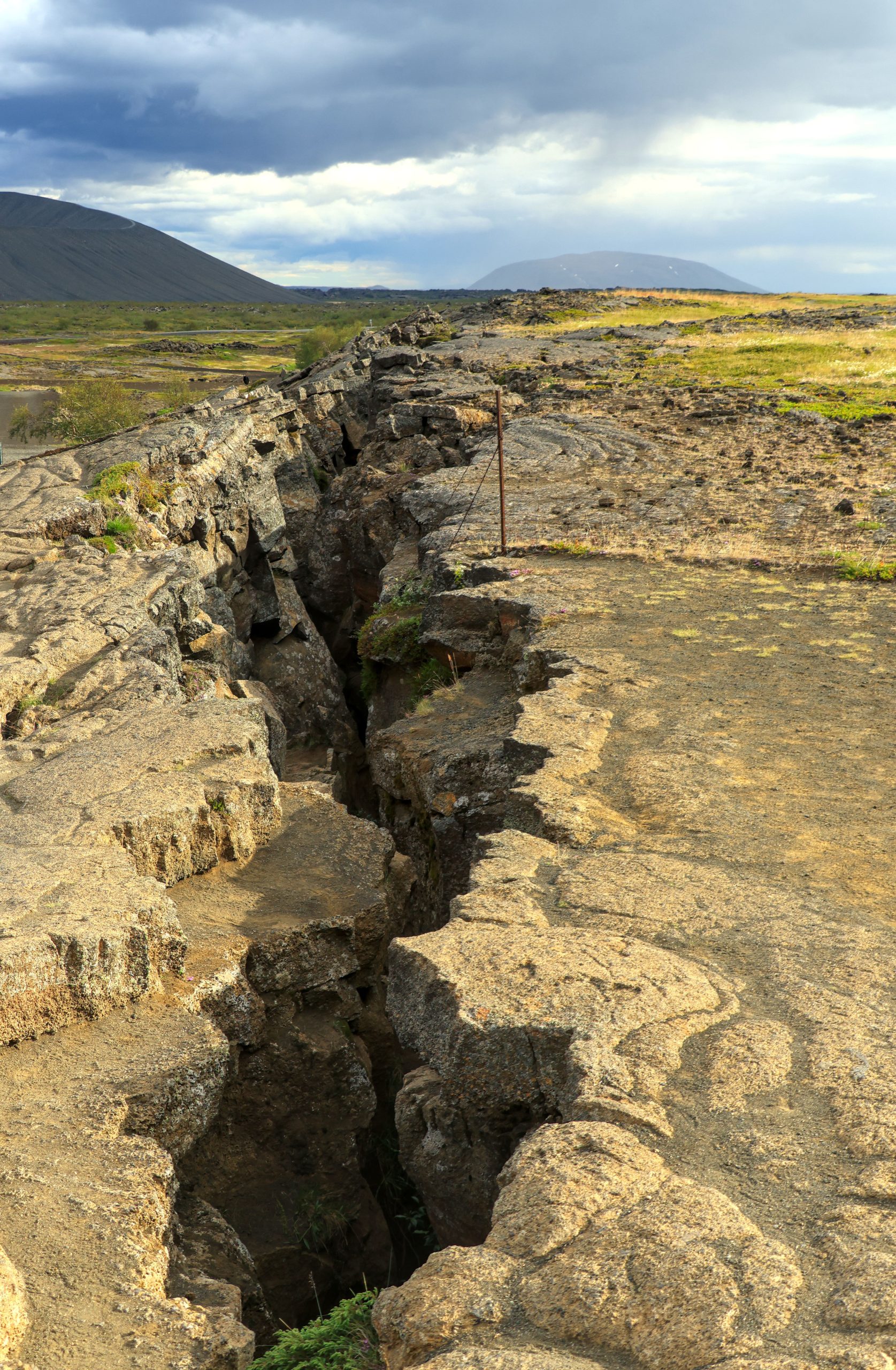
Tired of traditional teaching methods that leave students disengaged? Whether you’re a teacher looking for innovative ways to explain complex concepts or a student wanting to grasp plate tectonics better, animated resources can make a world of difference. These dynamic tools not only simplify concepts but also make learning about our planet’s structure exciting!
In this list, we’ve rounded up the top 10 earth science plate tectonic animation resources that will enhance understanding through visually stimulating content. Ready to take your knowledge to the next level? Let’s dive in!
1. National Geographic Plate Tectonics Animation – Best For Stunning Visuals
National Geographic provides an engaging animation that visually illustrates the movement of tectonic plates. This resource is excellent for captivating students’ attention with high-quality imagery and informative narration.
Key Features:
- High-definition graphics
- Informative commentary
- Easy navigation
Pros:
- Visually appealing
- Comprehensive explanations
- Accessible on multiple devices
Cons:
- Requires internet connection
- Lengthy viewing time may not suit younger audiences
2. TED-Ed Plate Tectonics Video – Best For Engaging Narratives
This TED-Ed resource combines animation with storytelling for a unique learning experience. Its entertaining format helps explain the science behind plate tectonics in a way that’s memorable and relatable.
Key Features:
- Engaging storytelling
- Short duration (under 5 minutes)
- Follow-up questions for assessment
Pros:
- Quick and informative
- Suitable for classroom use
- Free access
Cons:
- Limited depth on complex topics
- May require supplementary materials for thorough understanding
3. BBC Learning – Plate Tectonics Animation – Best For Educational Detail
This animation from BBC Learning provides a thorough breakdown of plate tectonics, explaining the interactions and consequences of these geological processes with precision.
Key Features:
- In-depth explanations
- Interactive elements
- Focus on real-world implications
Pros:
- Highly educational
- Interactive and engaging
- Reliable source
Cons:
- May overwhelm beginners with detail
- Less visually dynamic compared to others
4. PhET Interactive Simulations – Plate Tectonics – Best For Hands-On Learning
This interactive simulation allows users to manipulate variables to see how tectonic plates move. Ideal for hands-on learners, it encourages exploration and experimentation.
Key Features:
- Interactive user interface
- Multiple scenarios to explore
- Real-time feedback on changes
Pros:
- Encourages experimentation
- Engaging for all learning styles
- Free access
Cons:
- Technical difficulties possible
- Requires a stable internet connection
5. YouTube – Crash Course Geography: Plate Tectonics – Best For Comprehensive Coverage
This Crash Course video series offers a comprehensive look at plate tectonics in an engaging and informative format. Perfect for visual learners who enjoy thorough explanations!
Key Features:
- Detailed breakdown of topics
- Professional animations
- Digestible in short episodes
Pros:
- Wide range of related topics
- Popular among students
- Updated and accurate information
Cons:
- Some episodes may be lengthy
- Requires self-discipline to follow
6. NASA Earth Science – Plate Tectonics – Best For Scientific Accuracy
NASA offers scientifically accurate animations that explain the basis of plate tectonics based on real satellite data, making it an excellent resource for students and teachers alike.
Key Features:
- Real data-driven visuals
- Scientific accuracy
- Kid-friendly explanations
Pros:
- Highly credible source
- Engaging for learners of all ages
- Free educational resources
Cons:
- Less dynamic than other animations
- More data-centric, less narrative
7. SciShow – What Are Plate Tectonics? – Best For Quick Facts
SciShow’s short video delivers essential facts about plate tectonics in a fun, accessible way. Perfect for science enthusiasts who prefer concise information.
Key Features:
- Quick overview
- Fun animations
- Engaging presenter style
Pros:
- Great for quick reviews
- Catches attention quickly
- Free and easy access
Cons:
- Lacks depth for advanced learning
- May leave some questions unanswered
8. The Exploratorium – Tectonic Plates – Best For Interactive Exploration
The Exploratorium dives deep into the science of tectonic plates with interactive tools and animations. This resource is perfect for those who want to visually and practically explore geological concepts.
Key Features:
- Interactive features
- Variety of animation styles
- Extensive educational resources
Pros:
- Great for hands-on learning
- Extensive collection of activities
- Engaging for all ages
Cons:
- May require guidance for younger users
- Internet and device dependent
9. Google Earth – Plate Tectonics Layer – Best For Real-World Applications
Using Google Earth, students can visualize plate tectonics and see how they affect real-world locations. This tool is perfect for those who enjoy exploring geographical data in a fun way!
Key Features:
- 3D visualization of tectonic plates
- Real-time geological data
- User-friendly interface
Pros:
- Highly interactive and engaging
- Great for visual learners
- Real-world application
Cons:
- Can be overwhelming for beginners
- Requires basic tech skills to navigate
10. PBS LearningMedia – Plate Tectonics Animation – Best For Curriculum Use
PBS LearningMedia provides an excellent animation that complements standardized curricula, making it an ideal resource for teachers looking to align their lessons with educational standards.
Key Features:
- Curriculum-aligned content
- Easy-to-use format
- Supplementary teaching materials
Pros:
- Ready-made for classroom use
- Free access
- Long-standing credibility
Cons:
- Availability might vary by region
- Limited interactivity
How to Choose the Right Plate Tectonic Animation Resource
When selecting a plate tectonic animation resource, consider your learning goals. Are you looking for in-depth scientific explanations or a fun, interactive experience? Evaluate the audience’s age and technical abilities, ensuring the resource is appropriate. Finally, consider the accessibility of the resource—make sure it’s easy to access on various devices for your learning environment.
#PlateTectonics #EarthScience #AnimatedLearning #Geology #EducationResources #STEMEducation #InteractiveLearning #ScienceAnimation