
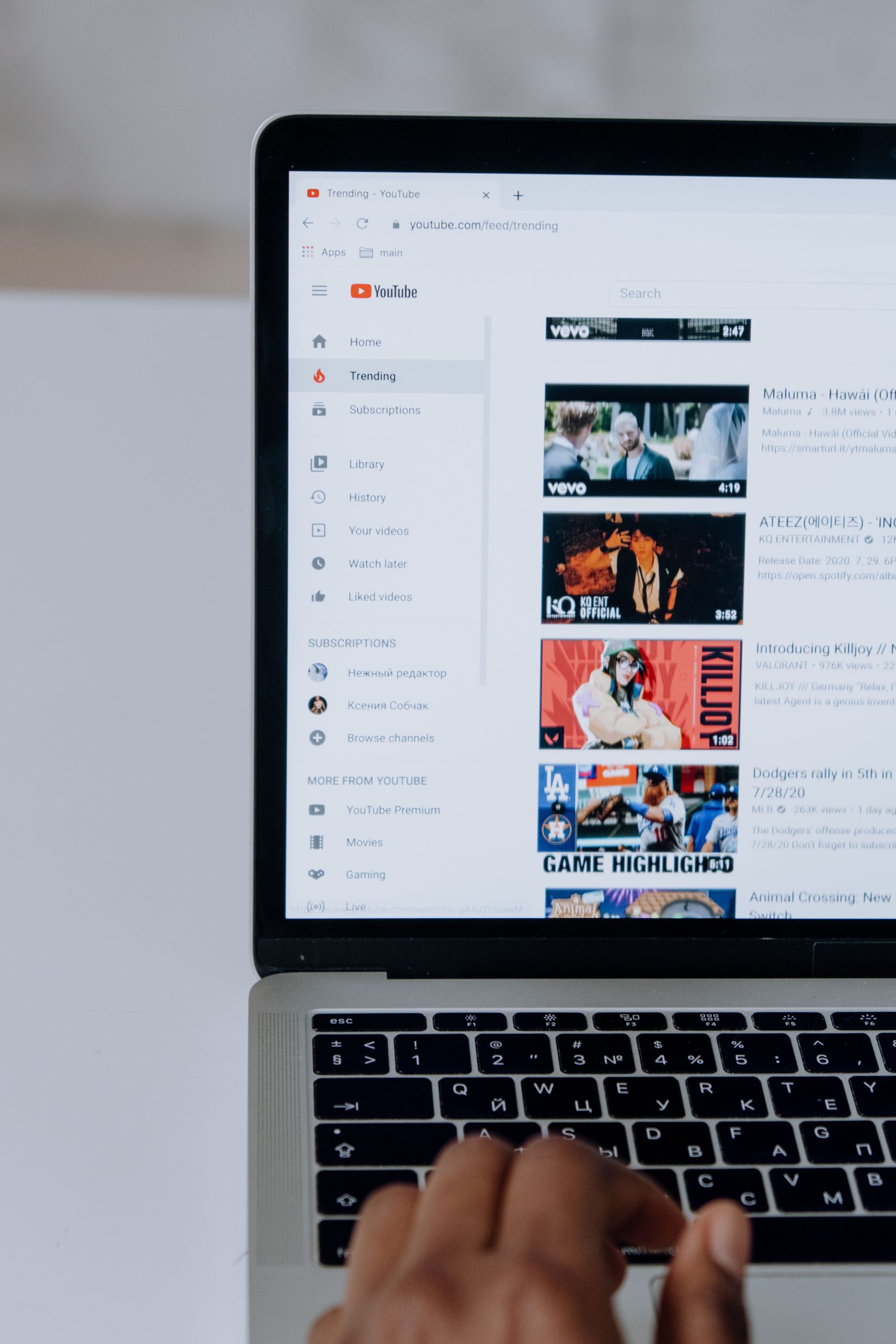
Are you struggling to get your YouTube videos noticed? With millions of videos uploaded every day, optimizing your content for search can truly make a difference! Discovering the right frameworks to boost visibility and engagement is essential for any content creator.
In this listicle, we will explore the top 10 YouTube video optimization frameworks designed to enhance your search ranking and engage viewers. Let’s dive in!
1. TubeBuddy – Best For Comprehensive Optimization Tools
TubeBuddy is a powerful browser extension that offers a suite of tools to improve your YouTube SEO efforts. Its features help in keyword research, video analytics, and thumbnail generation, making it an all-in-one solution for creators.
Key Features:
- Advanced tag explorer for keyword research
- Thumbnails generator to create eye-catching visuals
- In-depth analytics to track performance
Pros:
- User-friendly interface
- Offers a free version with essential features
- Regular updates with new tools
Cons:
- Premium features can be pricey
- Can be overwhelming for beginners
2. VidIQ – Best For Analytics and Competitor Insights
VidIQ is another powerful tool that helps creators optimize their videos for search. It provides insights into how your video performs compared to those of competitors, allowing you to adjust your strategies accordingly.
Key Features:
- Competitor analysis tools
- SEO scorecard for your video performance
- Real-time stats on your video insights
Pros:
- Intuitive design and navigation
- Free version available
- Bulk SEO tools for larger channels
Cons:
- Some advanced features require a premium subscription
- Can sometimes lag on real-time updates
3. Morningfame – Best For Personalized Insights
Morningfame focuses on offering personalized insights based on your YouTube channel’s performance over time. Its unique algorithm adapts to your content and audience, resulting in tailor-made optimization strategies.
Key Features:
- Channel and video growth tracking
- Customizable performance analytics
- Effective title and tag suggestions
Pros:
- Easy-to-understand metrics
- In-depth focus on audience engagement
- Focus on long-term growth
Cons:
- Limited free features
- Requires a one-time sign-up invitation
4. Keyword Tool – Best For Niche Keyword Research
Keyword Tool specializes in generating targeted keyword suggestions based on search queries from users. This tool focuses on long-tail keywords that help you reach a more specific audience.
Key Features:
- Extensive keyword suggestions in various categories
- Google autocomplete feature integration
- Search volume estimation
Pros:
- Very easy to use
- Ability to find trending topics
- Free version offers a lot of valuable data
Cons:
- Limited features in the free version
- Advanced features require a subscription
5. Canva – Best For Thumbnails and Graphics
Canva may not be a traditional optimization tool, but it’s essential for creating eye-catching thumbnails. A good thumbnail can increase your click-through rates and enhance visibility in search results.
Key Features:
- Extensive library of templates and graphics
- User-friendly drag-and-drop interface
- Customizable dimensions for YouTube
Pros:
- Free versions available with essential templates
- Great for non-designers
- Collaborative features for team projects
Cons:
- Occasional bugs in the free version
- Requires internet access for full functionality
6. YouTube Studio – Best For Inbuilt Analytics
YouTube Studio is the native platform for channel management, allowing users to track video performance, review analytics, and manage comments. It’s a one-stop-shop for creators to gather insights and optimize their channel.
Key Features:
- Real-time performance metrics
- Content management tools
- Engagement reports to analyze audience behavior
Pros:
- Completely free to use
- Direct integration with your YouTube account
- Constant updates and improvements
Cons:
- Limited to YouTube only, no cross-platform features
- Interface can be somewhat complex for new users
7. Social Blade – Best For Channel Statistics
Social Blade provides in-depth statistics for YouTube channels, allowing users to track their growth and compare it with competitors. This data can be integral for planning your optimization strategies.
Key Features:
- Growth predictions for channels
- Estimates earnings based on views
- Comprehensive analytics for audience engagement
Pros:
- User-friendly navigation
- Useful for tracking competitors
- Free version offers substantial data
Cons:
- Inconsistent data accuracy
- Limited features without subscription
8. TubeRanker – Best For Beginner Optimization
TubeRanker focuses on helping new creators optimize their videos with simple tools and guidance. It’s great for those who are just starting and need straightforward strategies to get noticed.
Key Features:
- Basic SEO analysis for videos
- Simple guideline tutorials
- Title and description templates
Pros:
- Best for beginners with no prior experience
- Extensive resources and support
- Accessible pricing plans
Cons:
- Limited advanced features
- May not be sufficient for large-scale creators
9. Lumen5 – Best For Video Creation and SEO
Lumen5 turns blog posts and articles into engaging videos, making it easier for you to optimize content for YouTube. It’s a valuable tool for content marketers looking to repurpose written content into visual formats.
Key Features:
- AI-driven video creation
- Customizable templates
- SEO metadata integration
Pros:
- Very user-friendly interface
- Perfect for repurposing content
- Good variety of editing tools
Cons:
- Limited free version features
- May require time to get used to all features
10. Hootsuite – Best For Social Promotion
Hootsuite is a social media management tool that helps you promote your YouTube videos across various platforms. Proper promotion can significantly boost your video’s visibility after you’ve optimized it.
Key Features:
- Scheduling posts across multiple social media
- Performance insights on shared content
- Integration with YouTube for direct scheduling
Pros:
- Centralization of multiple accounts
- Great tracking of social performance
- Flexible pricing plans
Cons:
- Can get expensive for advanced features
- Interface may seem overwhelming for beginners
How to Choose the Right YouTube Optimization Framework
When selecting the best video optimization framework, consider your channel’s unique needs and strengths. Assess your level of expertise, target audience, and budget constraints. Utilize free trials to test the tools and see which features resonate with your video marketing strategy.
#YouTubeSEO #VideoMarketing #SEO #ContentCreation #YouTubeGrowth #DigitalMarketing #SocialMediaStrategy