
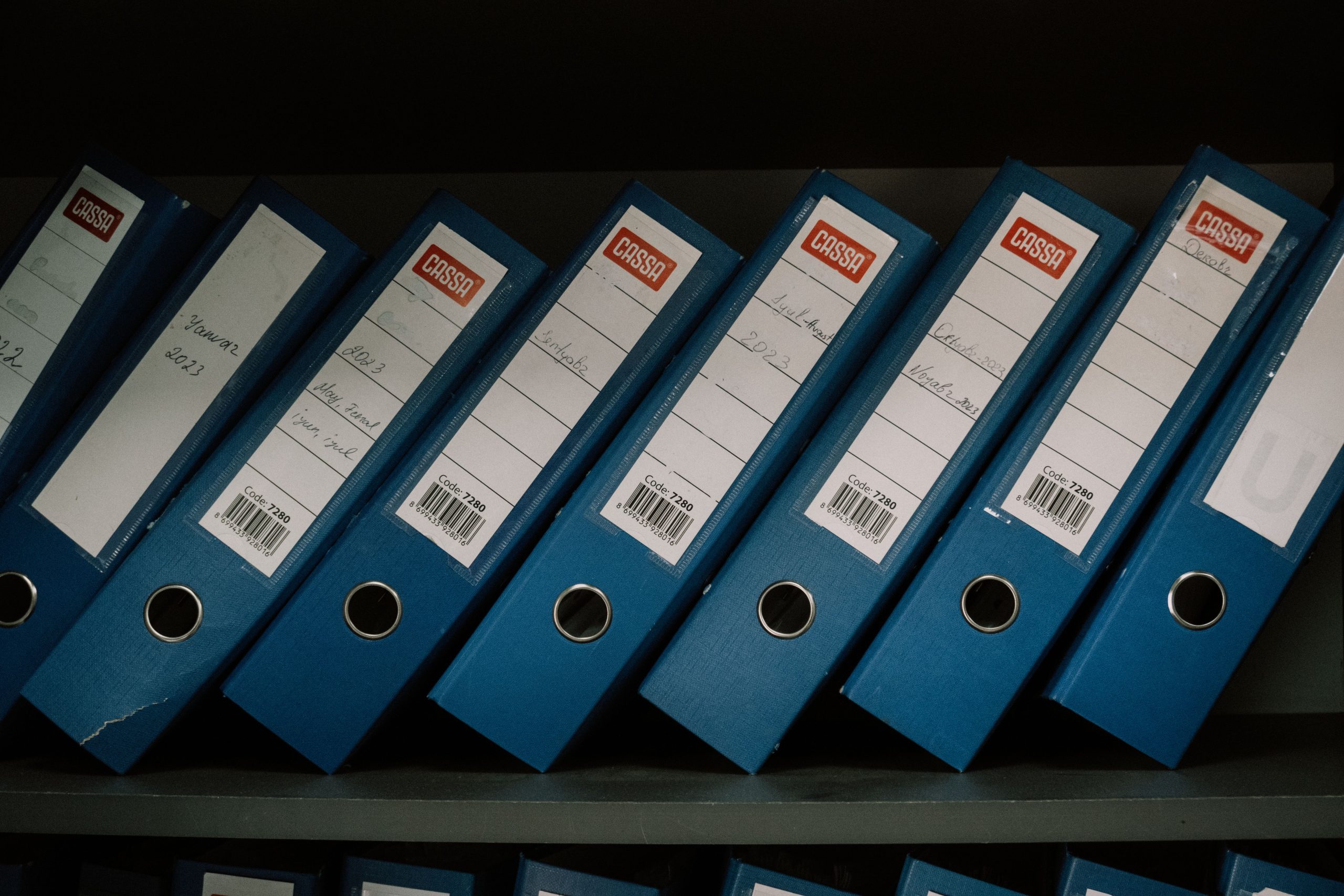
In the era of remote work, efficient document management is key to maintaining productivity and collaboration. Choosing the right centralized document storage system can streamline workflows, enhance teamwork, and boost security across your organization. Whether you’re a small startup or a large corporation, finding the ideal solution can transform the way your team operates.
This article presents the top eight centralized document storage systems designed for remote companies, highlighting their best features and benefits. Dive in and discover which one fits your team’s needs!
1. Google Drive – Best for Seamless Collaboration
Google Drive excels in offering a collaborative environment where multiple users can work on documents simultaneously. Its integration with other Google services makes it an indispensable tool for remote teams looking to streamline operations.
Key Features:
- Real-time editing and commenting
- Extensive file sharing options
- Integration with various third-party apps
Pros:
- User-friendly interface
- Generous free storage options
- Highly secure with encryption
Cons:
- Requires internet access for full features
- Privacy concerns over data management
- Limited offline access capabilities
2. Microsoft SharePoint – Best for Enhanced Organization
Microsoft SharePoint is a powerful platform tailored for businesses that require structured document management and intranet capabilities. It helps remote teams stay organized and improves document accessibility across departments.
Key Features:
- Customizable sites for different projects
- Version control and history tracking
- Integration with Microsoft Office suite
Pros:
- Highly customizable
- Robust search functionality
- Comprehensive permission settings
Cons:
- Steep learning curve for new users
- Can be costly for smaller teams
- Complex interface
3. Dropbox Business – Best for File Sharing and Syncing
Dropbox Business is ideal for teams that need to share large files seamlessly. Its syncing capabilities are top-notch, making it one of the go-to solutions for remote teams that frequently collaborate on diverse document types.
Key Features:
- Smart Sync for easy storage management
- Advanced file recovery options
- Collaboration tools integrated within the platform
Pros:
- Simple, intuitive interface
- Strong security measures
- Easy integration with many tools
Cons:
- Limited free storage
- Monthly subscription model can get expensive
- Customization options are limited
4. Box – Best for Security-Conscious Teams
Box stands out for its robust security features, catering well to companies that prioritize data protection. With its advanced compliance and encryption standards, Box is trusted by organizations that handle sensitive information.
Key Features:
- End-to-end encryption
- Comprehensive compliance support
- Workflow automation tools
Pros:
- Excellent privacy features
- Versatile integration options
- User-friendly design
Cons:
- Higher price point compared to competitors
- Complex setup process for some features
- Limited offline access
5. Trello – Best for Task-Oriented Document Storage
Trello is a popular tool that not only manages tasks but also integrates document storage within its workflow. This makes it perfect for teams that thrive on organization and project management.
Key Features:
- Kanban-style board for project management
- File attachment capabilities directly on cards
- Automation features to streamline tasks
Pros:
- Highly visual and easy to navigate
- Flexible for various project management methodologies
- Excellent mobile and web accessibility
Cons:
- Limited features in the free version
- Can become cluttered with many cards and tasks
- Not primarily a document-focused tool
6. Evernote Business – Best for Note-taking and Documentation
Evernote is a powerful note-taking tool that doubles as a document storage solution. With its organizational features, it’s perfect for teams looking to keep their knowledge base in one accessible location.
Key Features:
- Robust note organization options
- Web clipping feature for saving online info
- Collaboration functionalities
Pros:
- Highly effective for research and documentation
- Accessible on multiple devices
- Easy to find information with tagging
Cons:
- Storage limitations in the free version
- Can feel overwhelming for beginners
- Syncing issues reported by some users
7. M-Files – Best for Intelligent Information Management
M-Files uses metadata to assist in organizing information intelligently, making it easier for teams to find what they need quickly. This system is ideal for companies looking to upgrade their information management processes.
Key Features:
- Smart metadata-driven architecture
- Version control and revision history
- Integrates with existing business applications
Pros:
- Highly efficient document retrieval
- Customizable workflows
- Strong compliance capabilities
Cons:
- Can be complex to implement
- Higher cost for premium features
- Requires training for optimal use
8. Citrix ShareFile – Best for Client-Facing Document Management
Citrix ShareFile is designed not just for internal collaboration but also for managing client documents safely. This makes it ideal for businesses that deal with customer-facing content regularly.
Key Features:
- Secure file sharing through personalized links
- Built-in e-signature support
- Custom branding options available
Pros:
- Excellent security for sensitive client data
- Easy to use interface
- Great for teams working with external clients
Cons:
- Can be pricier than comparable tools
- Some users find the setup lengthy
- Limited offline functionality
How to Choose the Best Document Storage System for Your Remote Team
When selecting a document storage system, consider factors such as your team size, specific collaboration needs, document security preferences, and budget. Evaluate the ease of use and if the tool integrates well with other applications you may already be using. Don’t hesitate to take advantage of free trials to find the perfect fit.
#DocumentStorage #RemoteWork #TeamCollaboration #CloudStorage #ProductivityTools #BusinessSolutions #FileManagement