
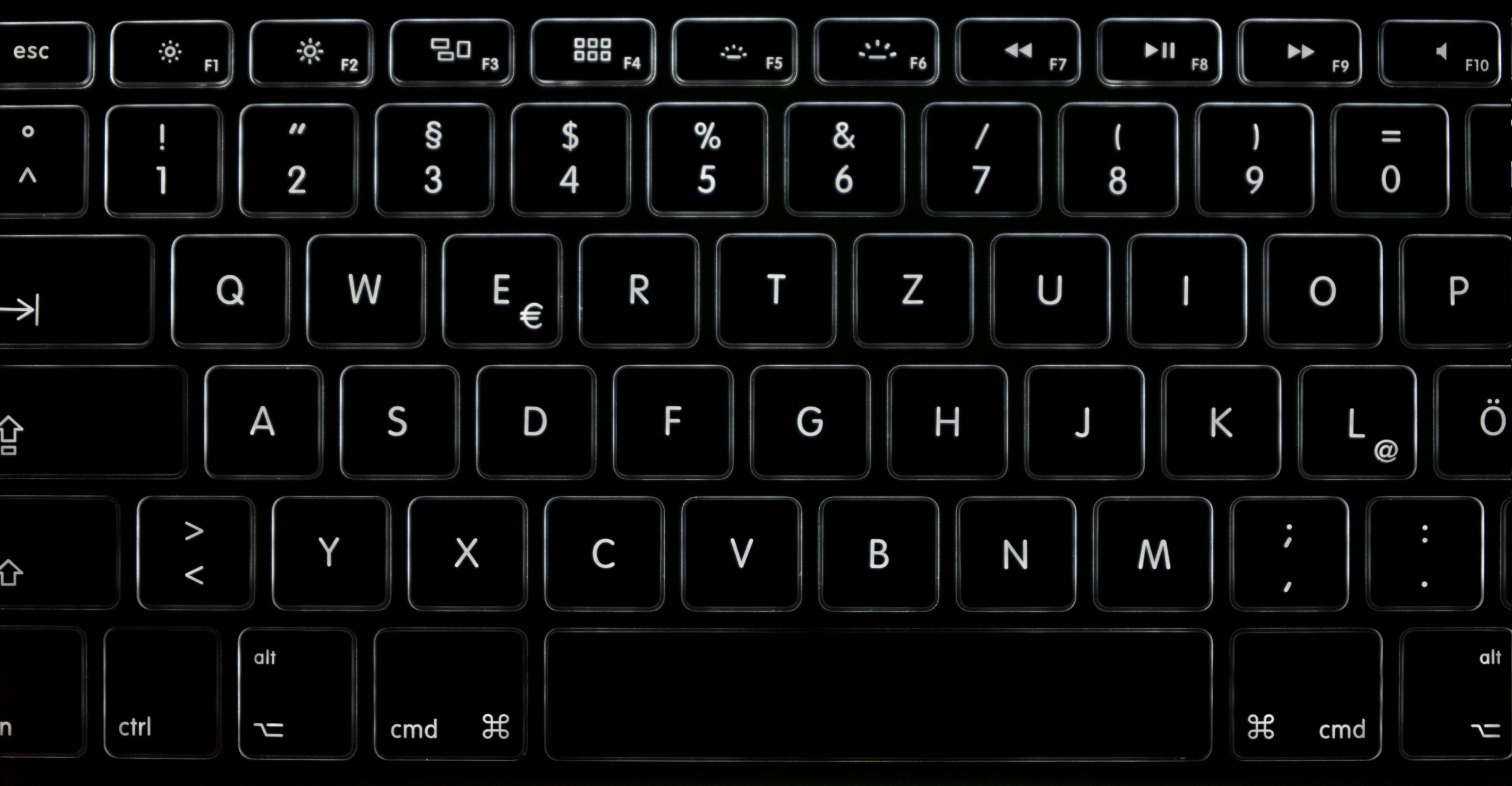
If you’re tired of using traditional file managers that rely heavily on mouse clicks, it’s time to level up your productivity with keyboard-driven file managers for Linux. These powerful applications will help you navigate your file system faster and more efficiently, ensuring that your workflow remains uninterrupted.
Say goodbye to sluggish file management and hello to enhanced speed with these top seven keyboard-driven Linux file managers. Each option brings its unique features and advantages that are tailored for speed optimization and user convenience!
1. Ranger – For Minimalists Who Love Efficiency
Ranger is a terminal-based file manager that integrates seamlessly with other Linux applications. Its powerful keyboard shortcuts and minimalist interface make it an ideal choice for users who prioritize speed and efficiency.
Key Features:
- Preview files in a separate pane
- Configurable key bindings
- Ability to browse compressed files
Pros:
- Lightweight and fast
- Highly customizable
- Easy integration with command line tools
Cons:
- Steeper learning curve for beginners
- Limited graphical interface options
2. nnn – The Ultimate Speedster
nnn is known for its exceptional speed and low resource usage. This terminal-based file manager allows for quick navigation with its intuitive keyboard shortcuts and fast loading times.
Key Features:
- File preview support
- Easy FTP and SFTP access
- Customizable plugins for extended functionality
Pros:
- Extremely lightweight
- Super fast performance
- Supports various file types
Cons:
- No GUI available
- May require additional learning to leverage full features
3. Midnight Commander – The Classic Choice
Midnight Commander (MC) is a legendary file manager that combines a two-pane interface with powerful file management functionalities. Its keyboard shortcuts help streamline activities, making it a reliable choice for seasoned users.
Key Features:
- Mouse support along with keyboard navigation
- Built-in FTP client
- Extensive support for file operations
Pros:
- Easy to use for beginners and experts
- Multi-platform support
- Robust command-line features
Cons:
- Interface may seem outdated to some users
- Less speed-focused compared to others on this list
4. Vifm – Vim Lovers’ Dream
If you’re a fan of Vim, Vifm offers a similar editing experience for file management. It combines the efficiency of Vim’s keyboard commands with the functionality of a file manager, making it a great option for tech-savvy users.
Key Features:
- Two-pane layout for easy file comparisons
- Vim-like key bindings for easier navigation
- Customizable interface and themes
Pros:
- Great for Vim users
- Efficient file editing capabilities
- Highly configurable
Cons:
- Can be overwhelming for new users
- Requires familiarity with Vim commands
5. FileZilla – Perfect for FTP Management
FileZilla is primarily known as an FTP client, but it also boasts file management capabilities. It’s especially useful for web developers who need seamless file transfer and organization.
Key Features:
- Cross-platform support
- Drag and drop file transfer
- Bookmarks for quick access to frequently used servers
Pros:
- Easy-to-use interface
- Robust transfer speed
- Support for various protocols (FTP, SFTP, FTPS)
Cons:
- Not entirely keyboard-driven
- Can consume more resources compared to terminal-based options
6. Thunar – For XFCE Desktop Users
Thunar is the default file manager for the XFCE desktop environment. It features a balance of visual simplicity and efficient keyboard navigation, making it ideal for users seeking speed and ease of use.
Key Features:
- Simple and clean interface
- Custom actions for added functionality
- File searching and sorting features
Pros:
- Light and responsive
- Perfect for those using XFCE environment
- Easy customization
Cons:
- Less feature-rich than other managers
- Keyboard shortcuts may vary across different installations
7. PCManFM – The Fast and Lightweight Manager
PCManFM is designed to be lightweight while still offering speed and functionality. It’s an excellent option for low-resource machines yet provides a comprehensive set of file management features.
Key Features:
- Tabbed browsing for multiple directories
- Integrated media player for quick previews
- Customizable interface
Pros:
- Very fast and efficient
- Easy to use and learn
- Compatible with different desktop environments
Cons:
- Limited advanced features
- Occasional bugs reported in some versions
How to Choose the Best Keyboard-Driven Linux File Manager
While selecting a keyboard-driven file manager, consider the following features: compatibility with your Linux distribution, the resource usage of the application, support for file types you commonly work with, and how intuitive the keyboard commands are for your workflow. Trying a few options can help determine which one aligns best with your productivity needs.
#LinuxFileManagers #KeyboardDriven #ProductivityHacks #LinuxTips #TechSavvy #SpeedOptimization #OpenSource #FOSS