
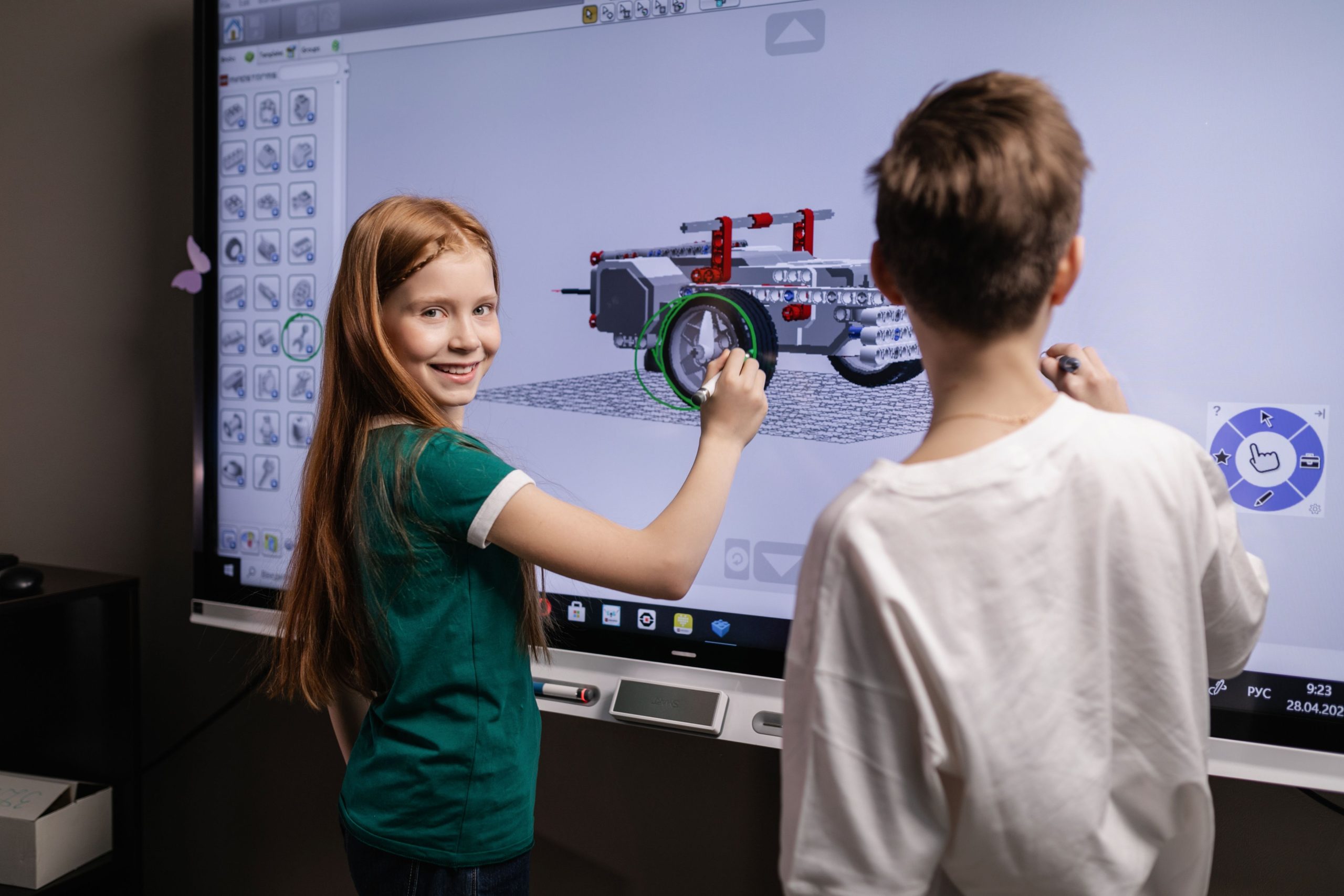
Are you looking for engaging and educational coding projects for young learners? Introducing coding at a young age can foster creativity, problem-solving skills, and a love for technology. Whether in a classroom or at home, these projects are perfect for sparking interest in computer science!
From simple games to interactive animations, we’ve compiled a list of ten coding projects that are not only fun but also educational. Let’s dive into these amazing ideas that will inspire the next generation of tech innovators!
1. Scratch Animation – Best for Creativity
Scratch is a fantastic platform that allows young learners to create animations easily. Kids can express their creativity by bringing their stories to life, making it a great introductory project.
Key Features:
- Intuitive drag-and-drop interface
- Incorporates art and storytelling
- Supports collaboration with peers
Pros:
- Encourages creativity and creativity
- Free access and community support
- No programming experience required
Cons:
- May require adult supervision for younger kids
- Limited to Scratch’s predefined assets
2. Build a Simple Website – Best for Basic HTML/CSS Skills
Creating a simple website can be an exciting way for young learners to grasp the fundamentals of HTML and CSS. It’s a skill that can easily translate into real-world applications.
Key Features:
- Hands-on introduction to web development
- Teaches basic coding languages
- Allows personalization and design
Pros:
- Improves digital literacy
- Great project for showcasing work
- Free and accessible tools available
Cons:
- May require some prior knowledge
- Can become complex without guidance
3. Coding a Simple Game with Python – Best for Problem-Solving Skills
Python is an excellent language for beginners, and creating a simple game can enhance problem-solving and logical thinking skills. This project can make learning coding feel like a fun challenge!
Key Features:
- Introduces programming concepts
- Enhances critical thinking
- Allows for gradual skill development
Pros:
- Clear syntax that is easy to understand
- Wide community support for learners
- Endless possibilities for project expansion
Cons:
- Learning curve for complete beginners
- Limited graphics capability without libraries
4. Create a Chatbot – Best for Interactivity
Building a simple chatbot can help young learners understand how AI works and improve their coding skills. It’s an interactive project that can be both fun and educational.
Key Features:
- Introduces natural language processing
- Encourages problem-solving through dialogue
- Allows creativity in responses
Pros:
- Highly engaging and interactive
- Develops skills in logic and algorithms
- Can be integrated with various applications
Cons:
- Requires basic programming knowledge
- Can become complex quickly
5. Designing Mobile Apps – Best for Relevance to Today’s Tech
With the prevalence of smartphones, designing a simple mobile app can captivate young learners. This project starts their journey into mobile development and UX design.
Key Features:
- Learn user interface (UI) design principles
- Foster creativity in idea generation
- Hands-on experience with app development
Pros:
- Relevance to everyday technology
- High engagement due to mobile usage
- Opens door to further app development learning
Cons:
- May require specific software/tools
- Complexity depending on app features
6. Robotics Programming – Best for Hands-on Learning
Robotics is an exciting field that brings coding to life. By programming robots, young learners can see immediate results from their code, making it highly rewarding.
Key Features:
- Interactive hands-on experience
- Encourages teamwork and collaboration
- Combines coding with engineering principles
Pros:
- Develops technical and engineering skills
- Engaging and fun for tactile learners
- Real-life application of coding concepts
Cons:
- May need access to equipment
- Can be expensive to get started
7. Online Quizzes and Surveys – Best for Learning Assessment
Creating online quizzes or surveys not only reinforces learning but also introduces young learners to web applications and data collection. This project combines coding with a practical application in education.
Key Features:
- Teaches data collection methods
- Incorporates various media types
- Easy to share with friends
Pros:
- Great for reinforcing knowledge
- Encourages creativity in question design
- Immediate feedback on results
Cons:
- Can be simplistic without depth
- Needs access to the internet
8. Interactive Storytelling with Code – Best for Imagination
Using coding to create interactive stories helps young learners weave narratives while learning coding principles. This blend of creativity and logic makes for an engaging project.
Key Features:
- Incorporates narrative and coding
- Encourages artistic expression
- Develops logical sequencing skills
Pros:
- Combines literacy and technology
- Highly engaging for creative minds
- Flexible project that can grow over time
Cons:
- May require additional tools
- Can become too complex without structure
9. Data Visualization Projects – Best for Understanding Data
Learning how to visualize data can introduce learners to important concepts in statistics and data analysis. This project helps kids see the importance of data in today’s world.
Key Features:
- Grasp basic data analysis concepts
- Enhances problem-solving skills
- Combine creativity with logic
Pros:
- Increases awareness of data’s role in society
- Highly customizable visuals
- Skill applicability in many fields
Cons:
- May require more advanced tools
- Can be overwhelming for beginners
10. Games with Unity – Best for Advanced Learners
For those who have mastered basic coding, building games in Unity introduces concepts of game design and computer graphics. This is a challenging but rewarding project!
Key Features:
- Industry-standard game development platform
- Broad learning scope with coding, art, and design
- Community resources and tutorials available
Pros:
- Real-world skills applicable in tech fields
- Highly engaging for aspiring game developers
- Encourages collaboration and creativity
Cons:
- Steep learning curve for beginners
- Requires powerful hardware for optimal performance
How to Choose the Right Project
When selecting a coding project, consider the learner’s age, interests, and prior experience. Opt for projects that align with their strengths while also presenting a challenge. Look for resources and community support to help navigate the coding journey. Most importantly, ensure that the project remains fun and engaging!
#CodingForKids #ComputerScience #YoungLearners #TechEducation #KidsCoding #ProgrammingProjects #STEMEducation #YouthTech